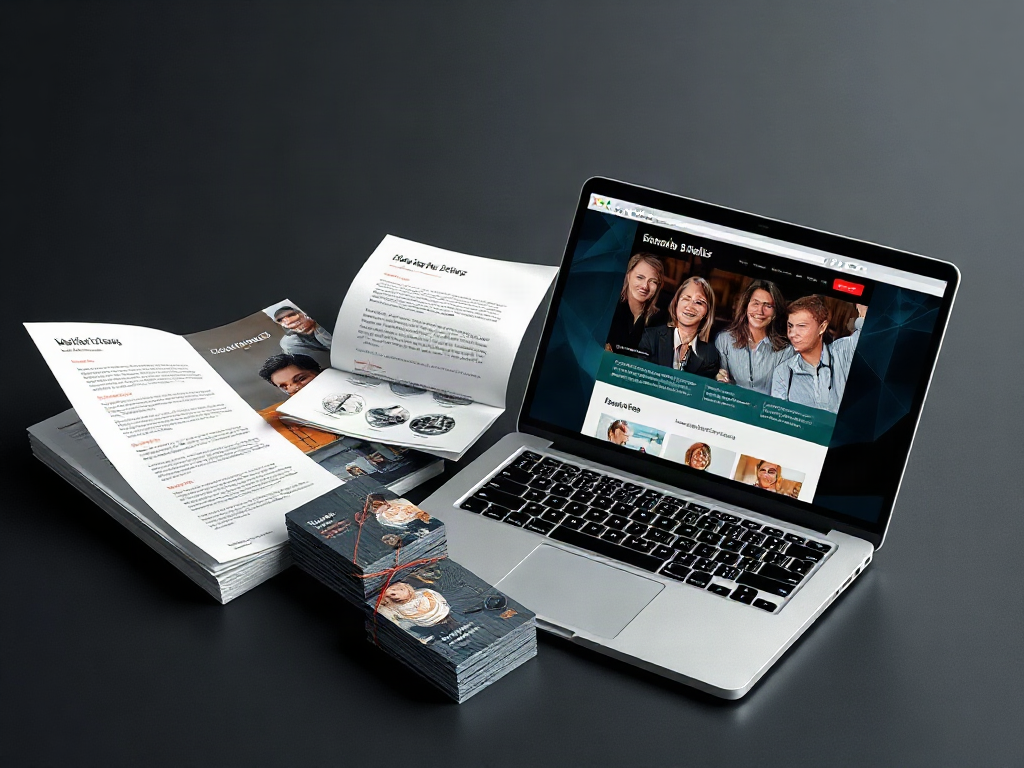
Marketing Materials That Send Visitors to Your Website in Knoxville, TN
At a Glance
A postcard arriving at someone’s desk has a different job from a brochure handed over during a sales conversation. The postcard must explain its value without help. The brochure can build on a discussion already underway. Choose materials around the attention and context readers will have, not simply around available print sizes.
What you’ll learn
- Match the Material to the Reader’s Setting: A postcard arriving at someone’s desk has a different job from a brochure handed over during a sales conversation. The postcard must explain its value without help. The brochure can build on a discussion already underway. Choose materials…
- Send Readers to a Page That Delivers the Promise: The website destination should fulfill the invitation on the material without making visitors search again. A product sheet promising dimensions should open the relevant specifications. A card offering an appointment should lead to scheduling information, not a page…
- Make Printed Codes and Digital Links Easy to Use: Printed materials need a usable route for both scanning and typing. Pair a QR code with a short address on a domain the business controls. The address gives readers an alternative when scanning is inconvenient and makes the…
Exploring “Marketing Materials That Send Visitors to Your Website” in Knoxville, TN? Use this guide to understand the key considerations and prepare your questions.
Local help with your next step
Mainline Marketing Group, llc offers Content marketing in Knoxville. If this guide raises questions about what you need, start a conversation about the available options, timing and pricing.
Service notes: Travel radius supplied by client: 100+ miles.
Cross-state service: Yes.
Match the Material to the Reader’s Setting
A postcard arriving at someone’s desk has a different job from a brochure handed over during a sales conversation. The postcard must explain its value without help. The brochure can build on a discussion already underway. Choose materials around the attention and context readers will have, not simply around available print sizes.
Materials already in regular use are often the most practical starting point. A business card, order insert, or sales PDF gives you a place to add a useful website invitation without creating a separate distribution project. A new mailing or event handout also needs a plan for reaching the right people; printing alone does not create traffic.
| Material | Useful website invitation | Main constraint |
|---|---|---|
| Business card | View services or book a follow-up | Little room for explanation |
| Direct-mail postcard | Check a specific offer or request details | Must make sense without a conversation |
| Brochure or sales sheet | Compare specifications or view project work | The destination must continue the same subject |
| Packaging insert | Find setup instructions or compatible accessories | The reader is already a customer |
| Email signature or PDF | Open a relevant service or appointment page | Links must remain clickable in the delivered file |
A roadside sign presents another constraint: a driver cannot safely scan a code. Favor a short, memorable address there. Reserve detailed instructions and QR codes for settings where people can stop, read, and use a phone.
Send Readers to a Page That Delivers the Promise
The website destination should fulfill the invitation on the material without making visitors search again. A product sheet promising dimensions should open the relevant specifications. A card offering an appointment should lead to scheduling information, not a page where readers must hunt through menus.
Use one primary action for each piece. A brochure can contain supporting information, but competing requests to call, subscribe, browse products, follow accounts, and book a meeting can obscure the intended next step. Make the main invitation prominent and place the address or code beside it.
Illustrative example: A print shop hands out a postcard at a business event offering a paper-and-finish sample pack. The card says, “Compare paper stocks in person—request a sample pack.” Its code and short address lead to a page showing what the pack contains, any delivery limits, and a short request form. Sending that reader to a general printing homepage would leave the advertised offer unfinished.
A dedicated landing page is useful when an offer needs its own explanation or form. An existing service page is enough when it already answers the promised question and makes the next step obvious. Avoid building extra pages merely to give every piece a different destination; separate tracking links can identify materials that share the same relevant page.
Make Printed Codes and Digital Links Easy to Use
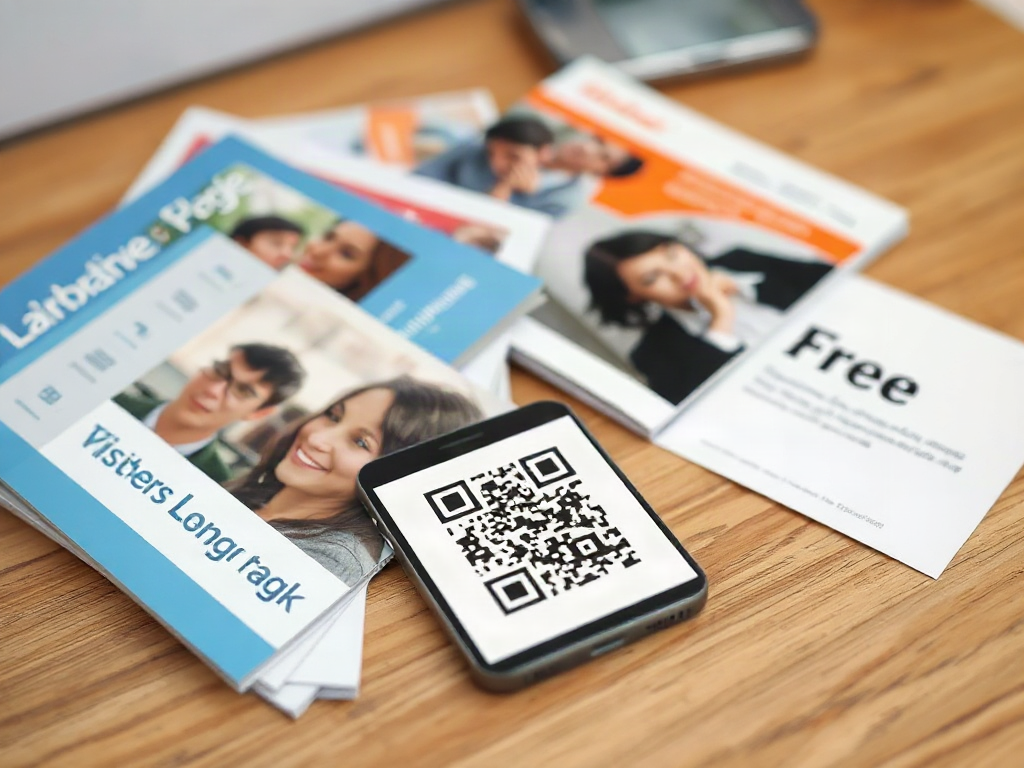
Printed materials need a usable route for both scanning and typing. Pair a QR code with a short address on a domain the business controls. The address gives readers an alternative when scanning is inconvenient and makes the destination less mysterious than an unexplained code.
Use strong contrast and leave clear space around the code. A code that works on a bright monitor may fail after printing on textured paper, shrinking into a crowded layout, or wrapping around packaging. There is no single reliable size for every setting: viewing distance, print quality, and the amount of encoded information all affect usability. Test the finished piece at the distance someone will actually use it.
Digital materials need clickable links first. A person reading a PDF on a phone should not have to scan a code displayed on that same phone. Link descriptive text such as “View brochure paper options,” and check the exported PDF rather than assuming links survived the design process.
Before approving a print run or sending a file, complete a short preflight check:
- Scan the physical proof with more than one phone.
- Type the printed address and confirm it reaches the intended page.
- Open digital links from the final email or exported document.
- Complete the destination’s form on a phone and check that the submission arrives.
For long-lived materials, a redirect under your own domain lets you change the destination without replacing the printed address. Keep that redirect active and document who maintains it. Third-party QR services can add subscription costs or dependence on a provider.
Read the full guide: Marketing Materials That Send Visitors to Your Website
Prepare a destination brief before seeking content marketing help
Illustrative application for this service area; not a report of a completed local project.
For a business in Knoxville, the article changes the first decision from choosing a postcard, brochure, or PDF to defining what the reader should do after arriving at the website. Before requesting help from Mainline Marketing Group, note the proposed material, reader setting, single primary action, intended destination page, and the question that page must answer. For example, if a printed service sheet invites an inquiry, check whether the destination explains the relevant service and makes the next step obvious rather than sending readers to a general homepage. This gives a content marketing discussion a concrete starting point without assuming that one format fits every audience.
Also record whether the material will be printed or digital. A printed piece may need both a short typed address and a tested code, while a PDF should prioritize a clickable descriptive link. These checks can expose missing information before production begins.
- Write one sentence describing the material, reader situation, promised action, and destination page.
- Open the proposed page on a phone and verify that it fulfills the invitation without additional searching.
- List any missing offer details, form requirements, or link and code testing needs for discussion with Mainline Marketing Group.
Local context: Business-supplied service coverage
Ready to take the next step?
Mainline Marketing Group, llc
Mainline Marketing Group offers the client-selected services within the approved service areas listed in this profile.
Whether you are comparing options or ready to get started, tell Mainline Marketing Group, llc what you have in mind. Ask about Content marketing, explain what matters to you, and discuss the next step before making a decision.
Local questions
Does Mainline Marketing Group, llc offer Content marketing in Knoxville?
Yes. Content marketing is listed among the services Mainline Marketing Group, llc offers in Knoxville. Contact the business to confirm availability and any requirements.
How can I get started?
Call 828-536-0055 or use the contact options above. Share what you need, any questions you have and your preferred timing. Ask about options and pricing so you can decide on your next step.
Business-supplied service information
Services and coverage were supplied by Mainline Marketing Group, llc. Contact the business to confirm the scope and availability for your needs.