Content Scheduling Tools for Social Media Marketing Compared
Content scheduling tools for social media marketing centralize timed publishing, but choosing one requires four checks: post formats, approval controls, reporting, and total cost. Meta Business Suite suits Facebook-and-Instagram work, while tools such as Buffer, Later, Planable, and Sprout Social serve different cross-network and team needs. Check whether each required format publishes automatically or needs someone to finish it in the social app. Test a real campaign through drafting, review, scheduling, and publication before paying for a full rollout. A tool earns its place when it cuts manual handoffs without creating missed posts, duplicate versions, or reporting gaps across the accounts you manage.
What you’ll learn
This guide covers the following practical points:
- Match the Scheduler to Your Publishing Workload — A solo marketer posting to Facebook and Instagram has a different buying problem from an agency waiting on several client approvals.
- Compare Five Social Media Scheduling Options — Compare tools by the work they handle well, rather than treating the longest feature list as the winner.
- Test Post Formats and Publishing Permissions — A supported social network does not mean every post format works the same way.
- Run a Campaign Through the Approval Calendar — A useful calendar makes ownership and publishing status visible, not merely dates.
Match the Scheduler to Your Publishing Workload
A solo marketer posting to Facebook and Instagram has a different buying problem from an agency waiting on several client approvals. For the solo marketer, a native planner may cover the work. For the agency, keeping feedback attached to the correct draft may matter more than another analytics chart.
Native scheduling happens within a social network’s own tools. It reduces the number of systems you manage, but it does not provide one calendar across unrelated networks. A third-party scheduler brings multiple channels together, though its publishing options depend on the access each network allows.
Before comparing subscriptions, write down the accounts, post types, reviewers, and reports you actually use. Separate requirements from occasional conveniences. A required approval before every client post is a buying requirement; an AI caption generator is not a substitute for it.
Scheduling also differs from managing the whole social channel. Publishing a post does not mean someone is watching replies, handling customer questions, or checking a promotion after it goes live. Decide whether you need a publisher alone or a broader tool with inbox and reporting functions. Buying the broader platform only makes sense if someone will use those functions.
Compare Five Social Media Scheduling Options
Compare tools by the work they handle well, rather than treating the longest feature list as the winner. The options below represent different buying priorities, not a tested ranking. Network support, plan limits, and individual features can change, so confirm your requirements before committing.
| Tool | Worth Testing When | Tradeoff to Check |
|---|---|---|
| Meta Business Suite | Your publishing work centers on Facebook and Instagram. | It does not replace a shared calendar for unrelated social networks. |
| Buffer | You want a straightforward queue and publishing workflow across supported channels. | Check channel limits, team permissions, and reporting on your selected plan. |
| Later | Visual planning and image-led campaigns shape your content process. | Test the exact video, carousel, and other formats you publish regularly. |
| Planable | Draft review, client feedback, and approvals create most of your publishing delays. | Confirm which approval rules and reporting features your plan includes. |
| Sprout Social | Your team wants publishing alongside inbox management and reporting. | Compare the full team cost with how much of the broader platform you will use. |
For a small team, a simpler scheduler can be the better purchase even when another product offers more features. Fewer settings can mean less training and fewer places for unfinished drafts to get lost. A larger team may reasonably accept more complexity to gain controlled reviews and consolidated reporting.
Do not compare only the entry-level price. Put each tool against the same account count, staff access, approval needs, and reporting requirements. Otherwise, a low advertised starting price can disguise the plan you would actually need.
Test Post Formats and Publishing Permissions
A supported social network does not mean every post format works the same way. A scheduler may publish a standard image automatically while handling another format through a mobile reminder. Features such as music, stickers, product tags, collaborator settings, or document posts need their own checks.
That distinction affects staffing. If a scheduled post still requires someone to open a phone notification and finish it in the native app, it is not unattended publishing. That may be acceptable during business hours, but it changes the value of scheduling an evening or weekend campaign.
Use this compact check before moving your calendar:
- Connect the actual account type you manage, not just a spare test profile.
- Try each recurring format, including its links, tags, captions, and accessibility fields where supported.
- Check image crops, video processing, and the displayed publishing time zone.
- Confirm who receives failed-post alerts and how account reconnection works.
A successful upload is only part of the test. Open the published post on the destination network and inspect it there. Preview screens are useful, but they cannot settle every display detail. Avoid assuming that a feature available in the native app must also be available through a third-party connection.
Run a Campaign Through the Approval Calendar
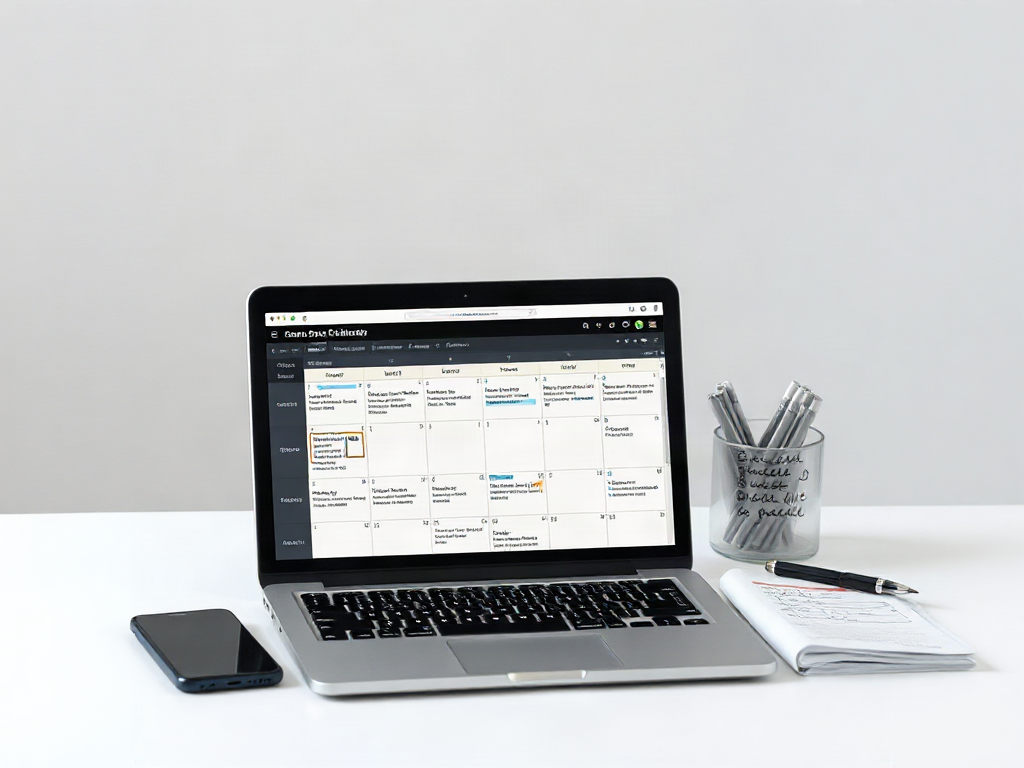
A useful calendar makes ownership and publishing status visible, not merely dates. Each entry should identify the destination account, asset version, caption, scheduled time, reviewer, and approval state. Comments should stay attached to the draft they describe.
Consider an illustrative retailer planning six product posts, each for both Instagram and Facebook, over two weeks. That creates 12 destination-specific publishing entries. The same product image may work on both channels, but crops, captions, links, and calls to action still need checking separately.
During a trial, have the content creator prepare those entries and a second person review them. Ask the reviewer to request an image change on one post. Then check whether everyone can tell which version is approved and whether editing approved content triggers another review or requires a manual status change.
Use clear states such as draft, awaiting review, approved, scheduled, and published. Assign one person to resolve overdue feedback. A calendar full of pending posts is not a completed publishing schedule, even if every date has something written against it.
In closing, rehearse a pause. If a product becomes unavailable or a campaign needs to stop, the team should know how to find and hold every affected post. A queue that is easy to fill but hard to interrupt creates avoidable risk.
Weigh Total Cost and Publishing Reliability
The useful cost of a scheduler includes subscriptions, extra accounts, staff access, and the time spent correcting or finishing posts. A cheaper plan may still fit well, but only if its limits do not push routine work back into spreadsheets, email threads, and phone reminders.
During the trial, record time spent preparing posts, collecting approvals, fixing errors, and producing reports. Note how often someone must leave the tool to complete an ordinary publishing task. These observations show whether the scheduler is removing work or simply moving it elsewhere.
Keep publishing reliability separate from marketing results. A tool can deliver every post correctly without increasing reach, inquiries, or sales. Judge the scheduling workflow by missed posts, rework, and approval delays; judge the content by the audience actions tied to your campaign goals.
For website campaigns, check that tracking parameters remain attached to links and that campaign names stay consistent. Do not expect social-platform clicks and website sessions to match exactly because the systems measure different events. Before paying annually, confirm cancellation terms, export options, and how you would recover your upcoming calendar if you switched tools.
Conclusion
Choose a scheduler around the posts and decisions your team handles every week. Shortlist tools that fit your channels, then test difficult formats, revision requests, failed-post alerts, and campaign pauses—not just a simple image post. Keep native scheduling if it meets the need without extra overhead. Pay for a broader platform when shared reviews, cross-network work, or reporting justify the added cost. A convincing trial leaves fewer unfinished handoffs and gives someone clear responsibility when publication needs attention.
Frequently Asked Questions
Can free scheduling tools be enough for a small business?
Yes, when the available channels, account limits, and publishing formats cover the business's regular posts. Start with native scheduling or a limited free plan, then upgrade when a specific constraint—such as missing approvals or too few connected accounts—creates recurring work.
How far ahead should social media posts be scheduled?
Prepare stable content far enough ahead to allow review, but keep offers, availability updates, and time-sensitive posts closer to publication. There is no universal scheduling window. Recheck queued content when prices, inventory, event details, or public circumstances change.
Can scheduling tools publish Reels, Stories, and carousels automatically?
Some can, but support varies by network, account type, format, and requested features. Check whether the tool offers direct publication or a reminder to finish in the app. Test the complete post, especially when it includes music, tags, stickers, or collaborators.
Do third-party scheduling tools reduce social media reach?
Do not assume that using a scheduler causes lower reach. A drop after switching tools does not establish the cause. Check whether formats, posting times, content, or audience behavior changed, and compare similar posts rather than one unusually strong or weak result.
Should every team member share one scheduler login?
Use individual access where the platform supports it, with permissions matched to each person's role. Separate access makes it easier to identify changes and remove a departing team member without disrupting everyone else. Include the cost of those users when comparing plans.